
AI product recommendations, in your WooCommerce store.
The LIKYLY plugin plugs a recommendation engine into your store: it learns from what your customers view, add to their cart and buy, and picks, for each page and each visitor, the products they are most likely to enjoy. Rendered by your theme, no code.
Free up to 50 products, no credit card · GPL license · WordPress 6.5+ · WooCommerce 8+ · documentation
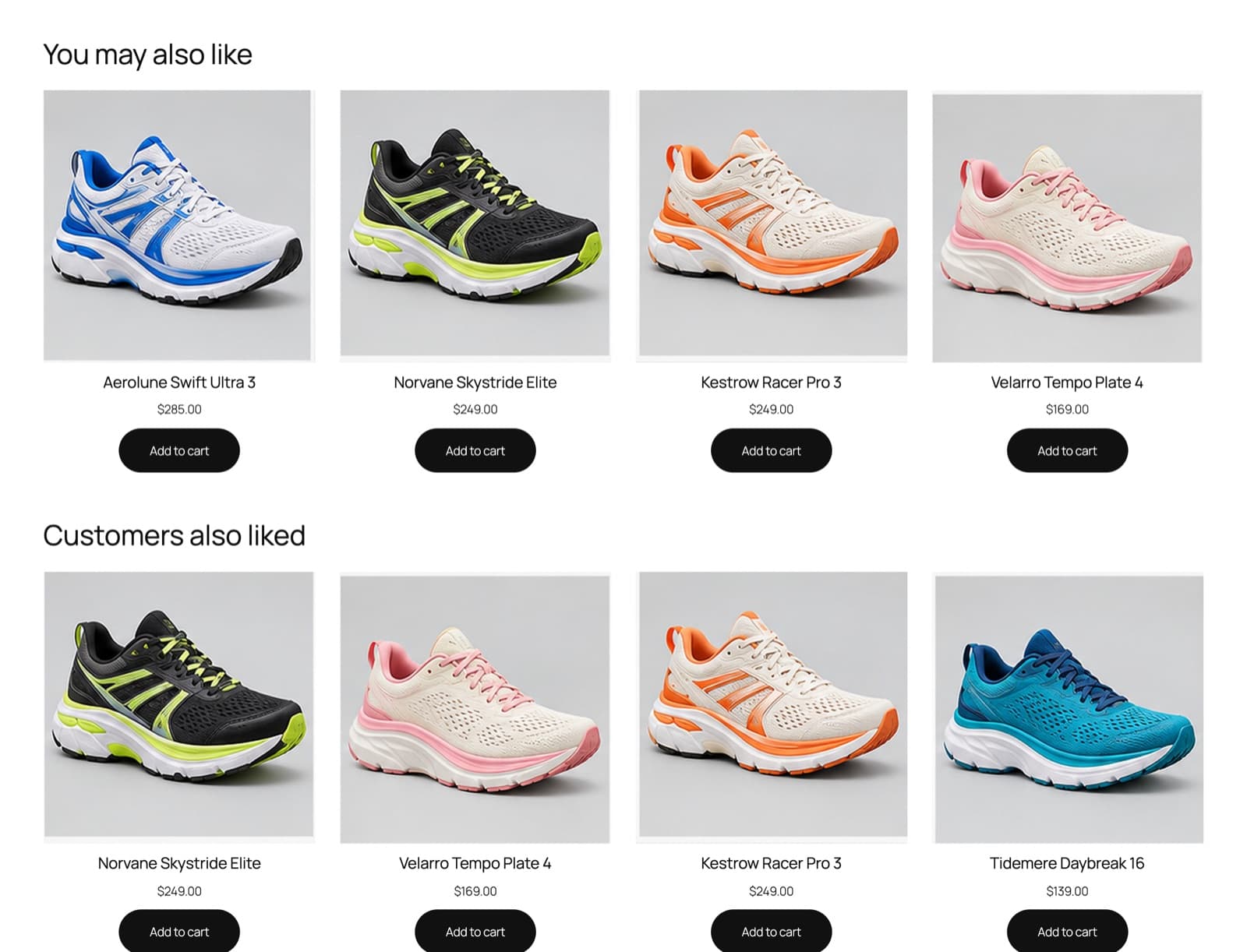
Ready in two minutes
- 1
Install the plugin
Plugins › Add New Plugin, search for “LIKYLY”.
- 2
Paste your two keys
In the LIKYLY menu: the page tells you where to find them in your console.
- 3
You’re all set
Your products are sent to LIKYLY, and the blocks are created and shown with your theme.
Two LIKYLY blocks instead of chance
WooCommerce picks its “related products” at random within the category. LIKYLY replaces them with “You may also like”: an AI compares the products themselves, name, description and attributes (semantic embeddings), and shows the closest ones. Below it, for signed-in customers, “Customers also liked”: a collaborative filtering model (matrix factorization), trained on your store’s orders, visits and carts, shows what customers with similar tastes viewed and bought. On the same product page, two customers don’t see the same products.
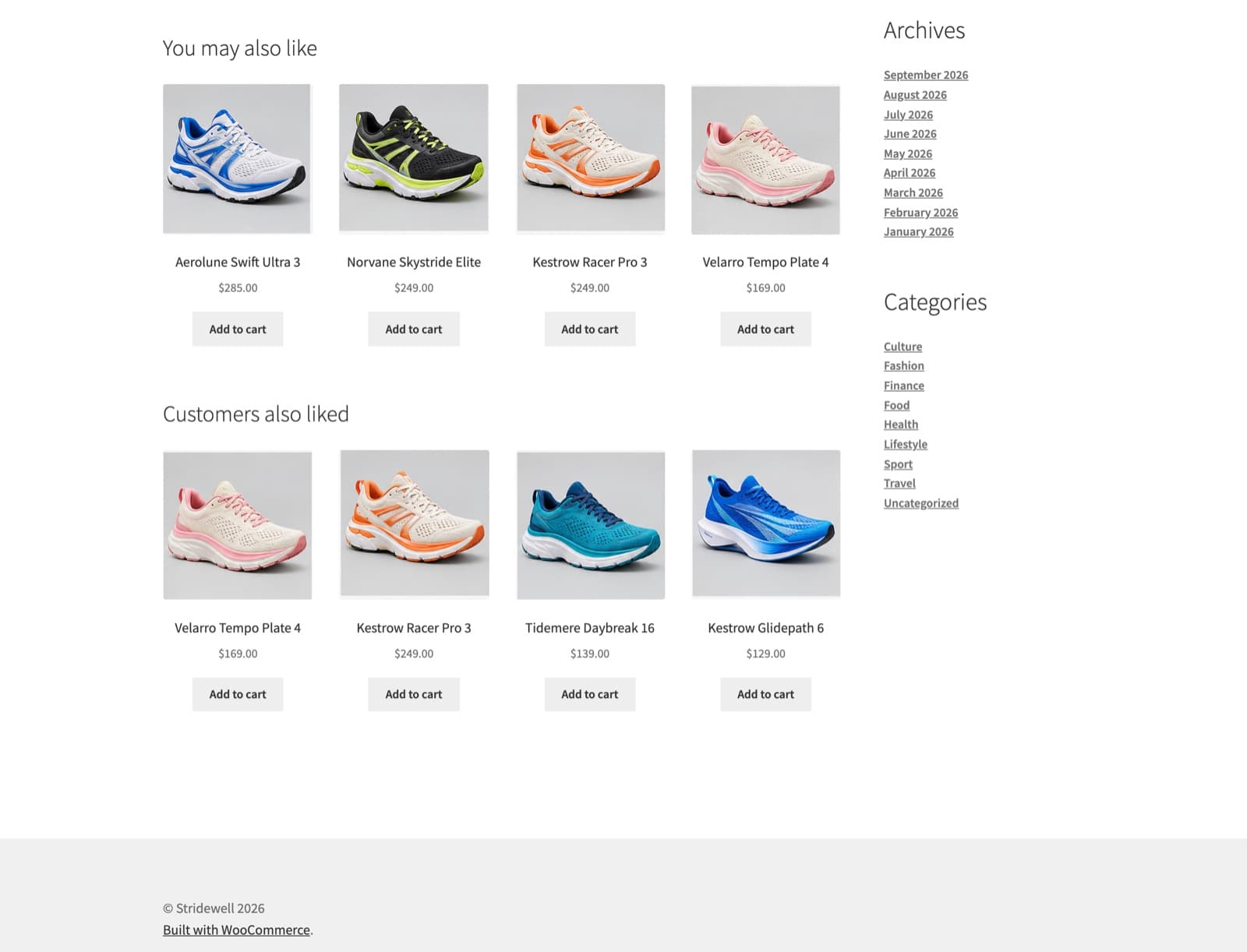
Suggestions that complete the cart
The WooCommerce cart’s “You may be interested in” section is filled based on its contents, without the products already in it. Your hand-picked cross-sells stay on top. Classic cart or block cart.
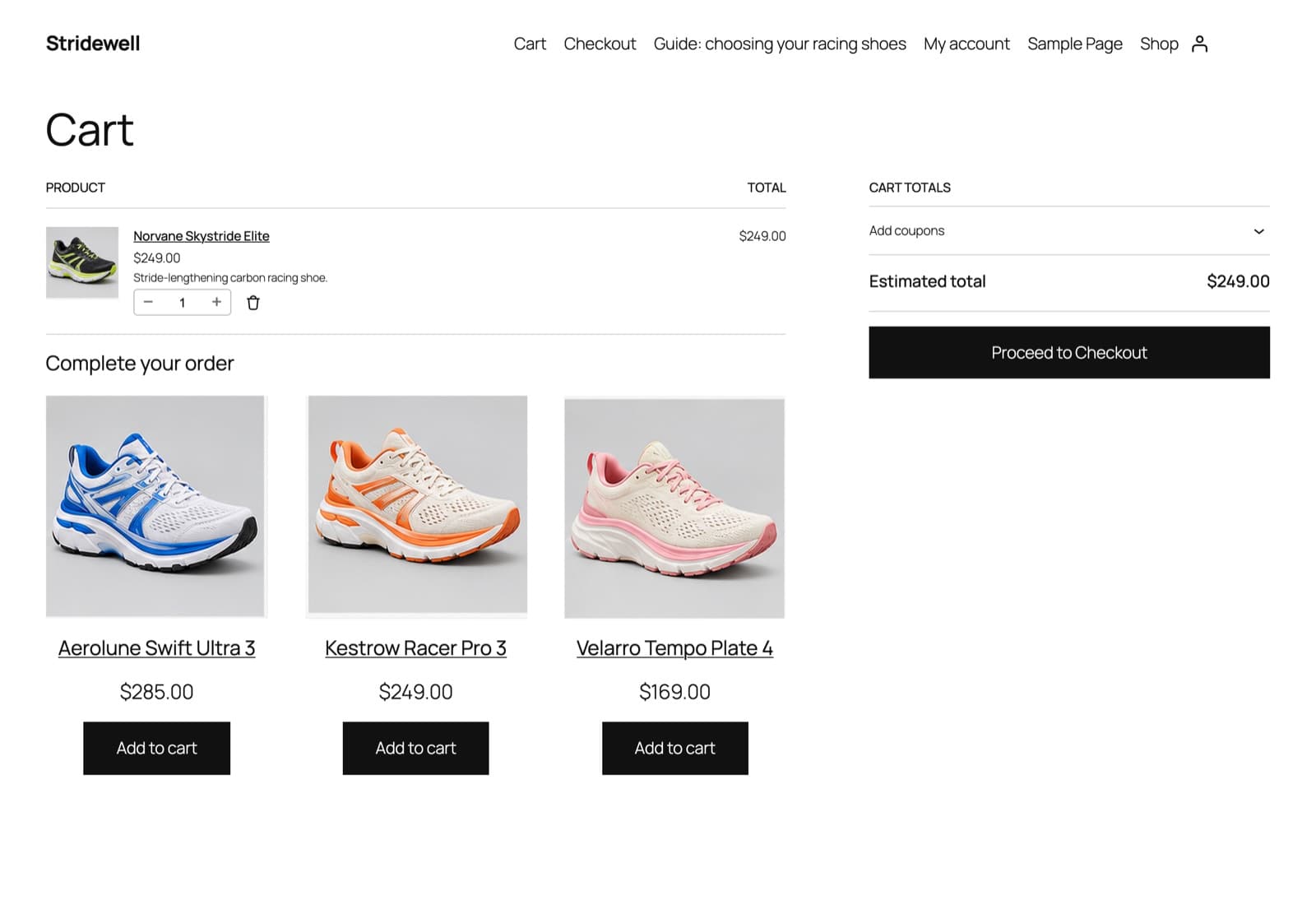
“Trending now” on the shop page
What is selling and being viewed right now, above your products. The number of products is set in WordPress.
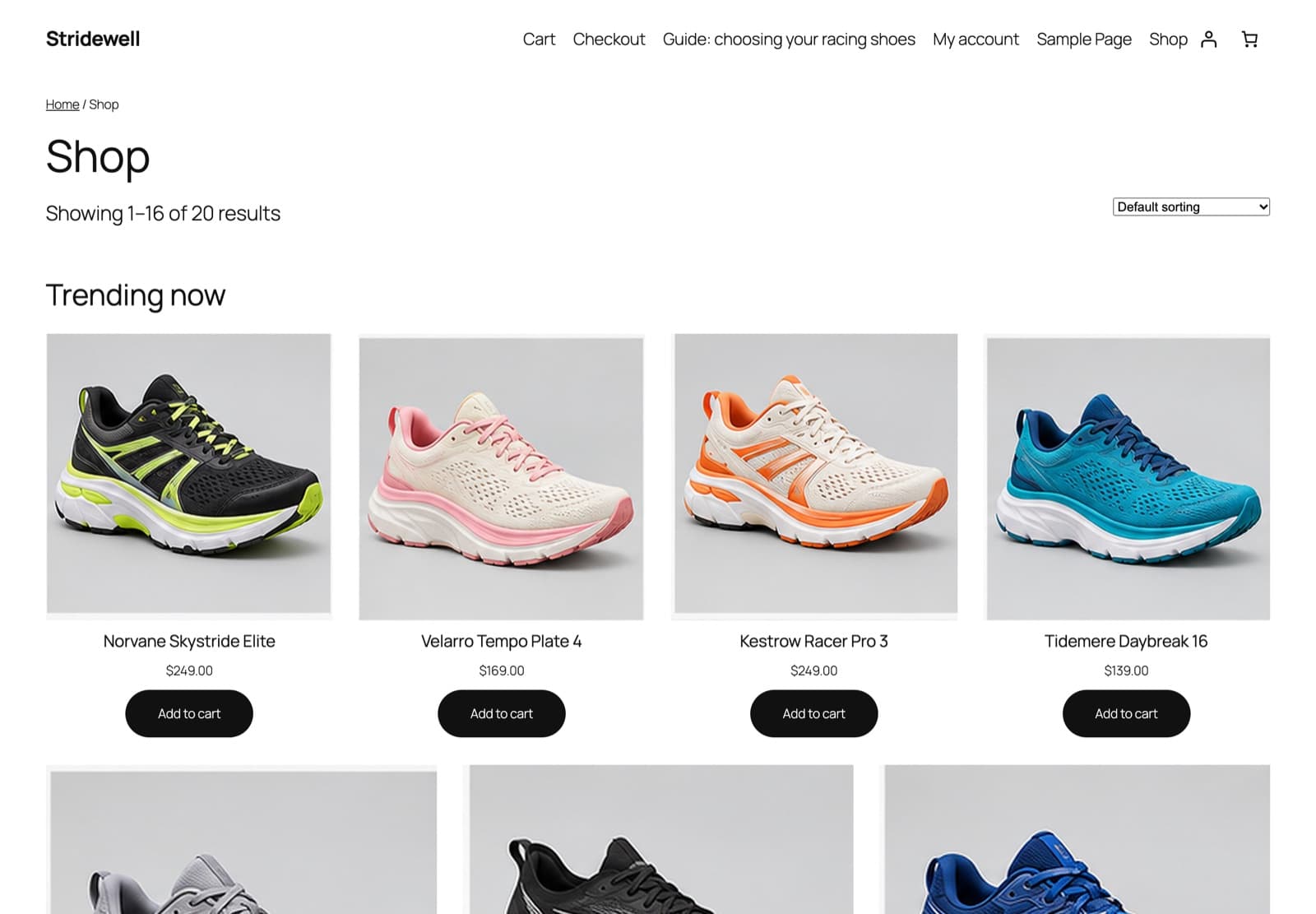
“Read next” at the end of posts
Posts close to the one just read, and the ones its readers read next. Also works on a WordPress site without a store.
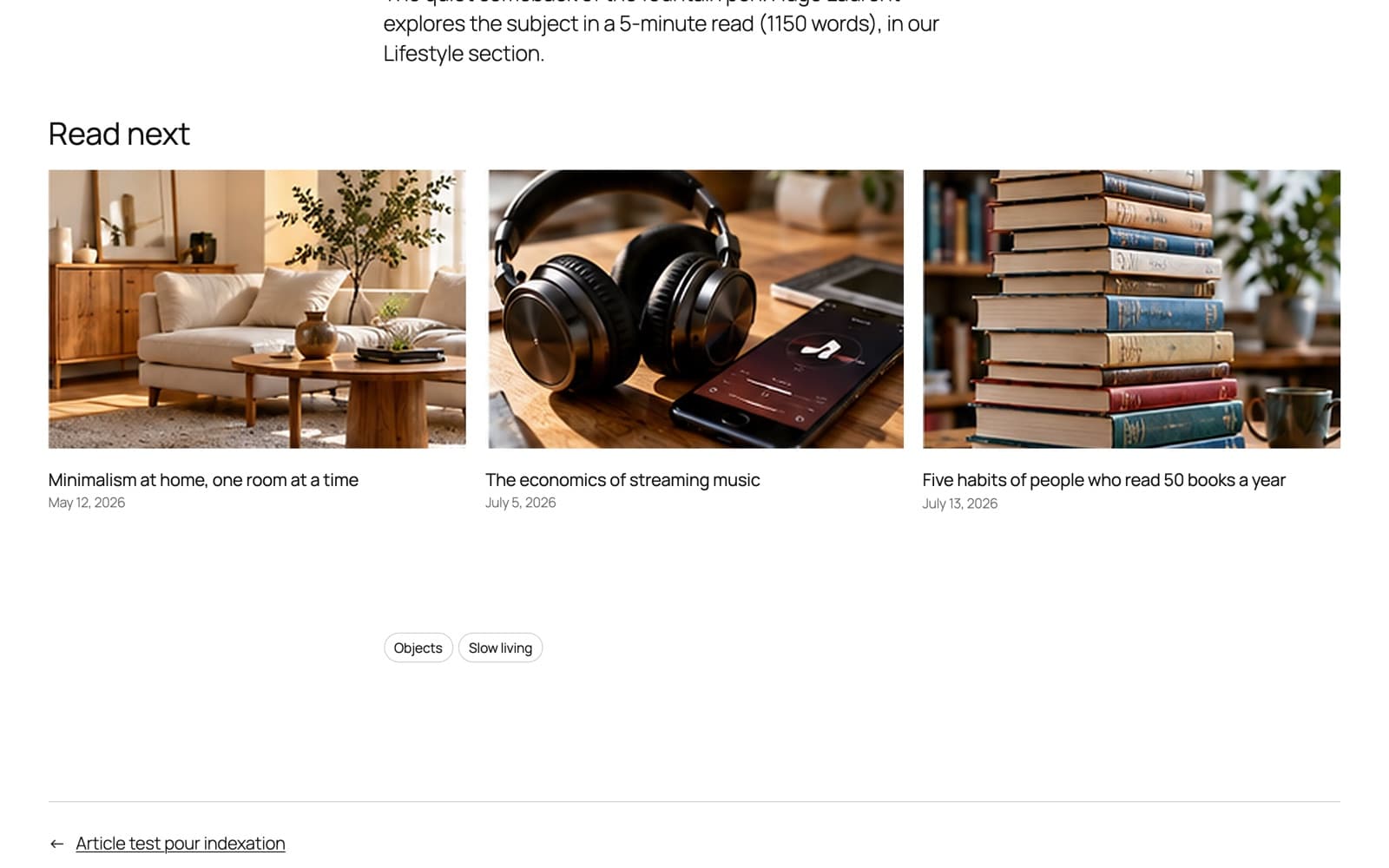
Your theme, not ours
Recommended products are rendered by your theme’s templates: same cards, same buttons, same fonts. Block theme or classic theme.
Twenty Twenty-Five · block theme
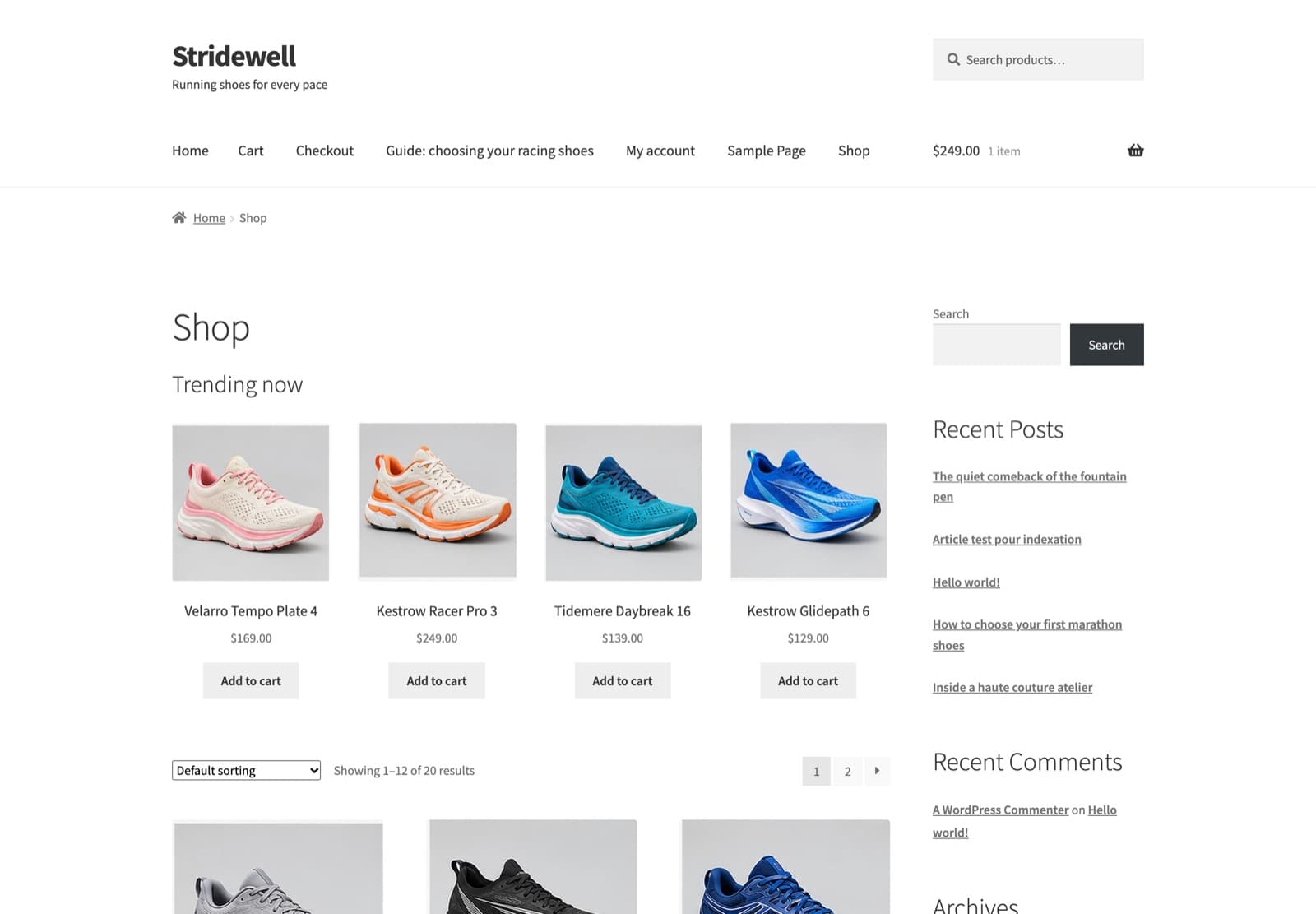
Storefront · classic theme
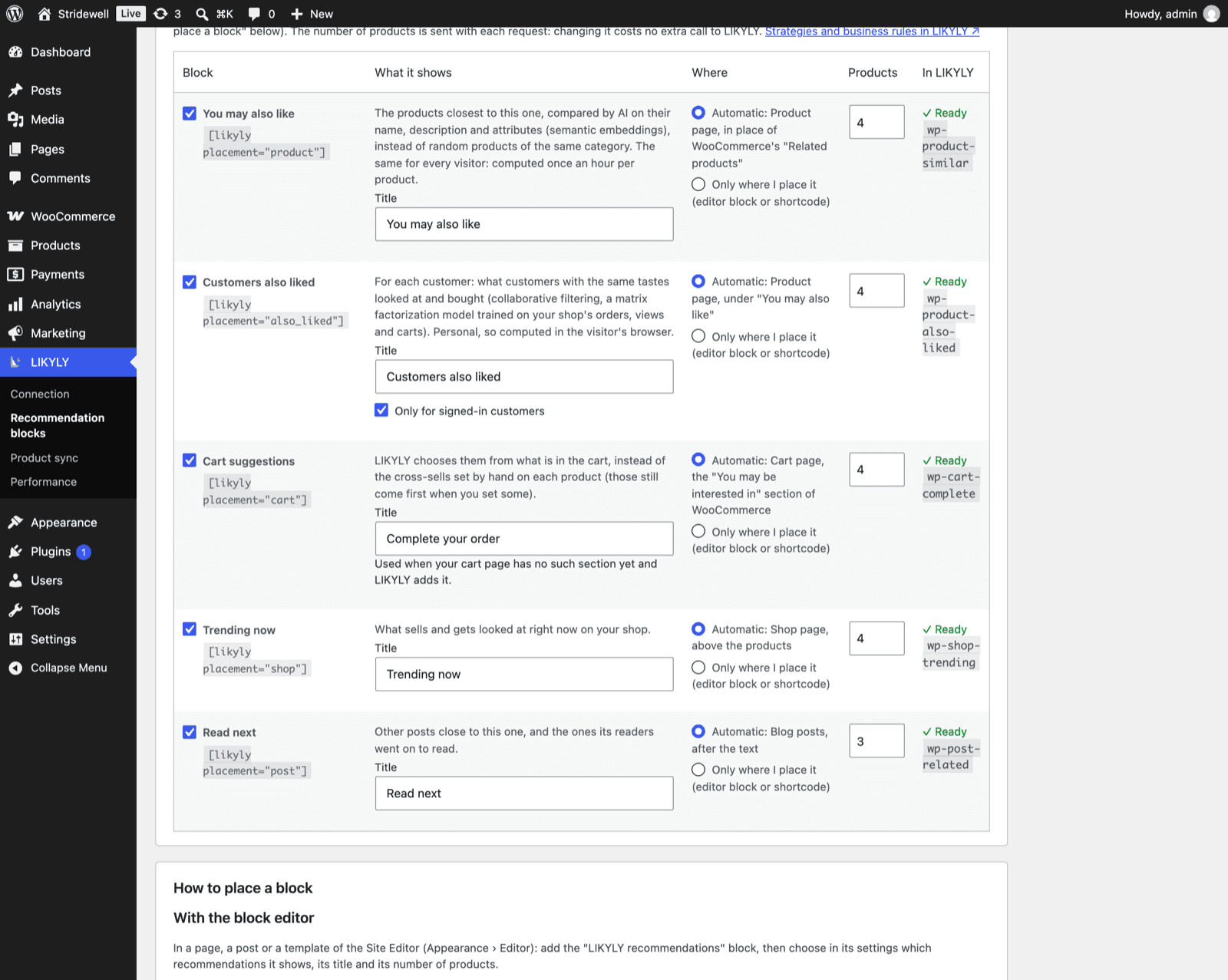
Every block, wherever you want
Turn on, rename, choose the number of products. Let the plugin put each block in its usual spot, or place it yourself with the editor’s “LIKYLY recommendations” block or a shortcode, on a home page or a buying guide.
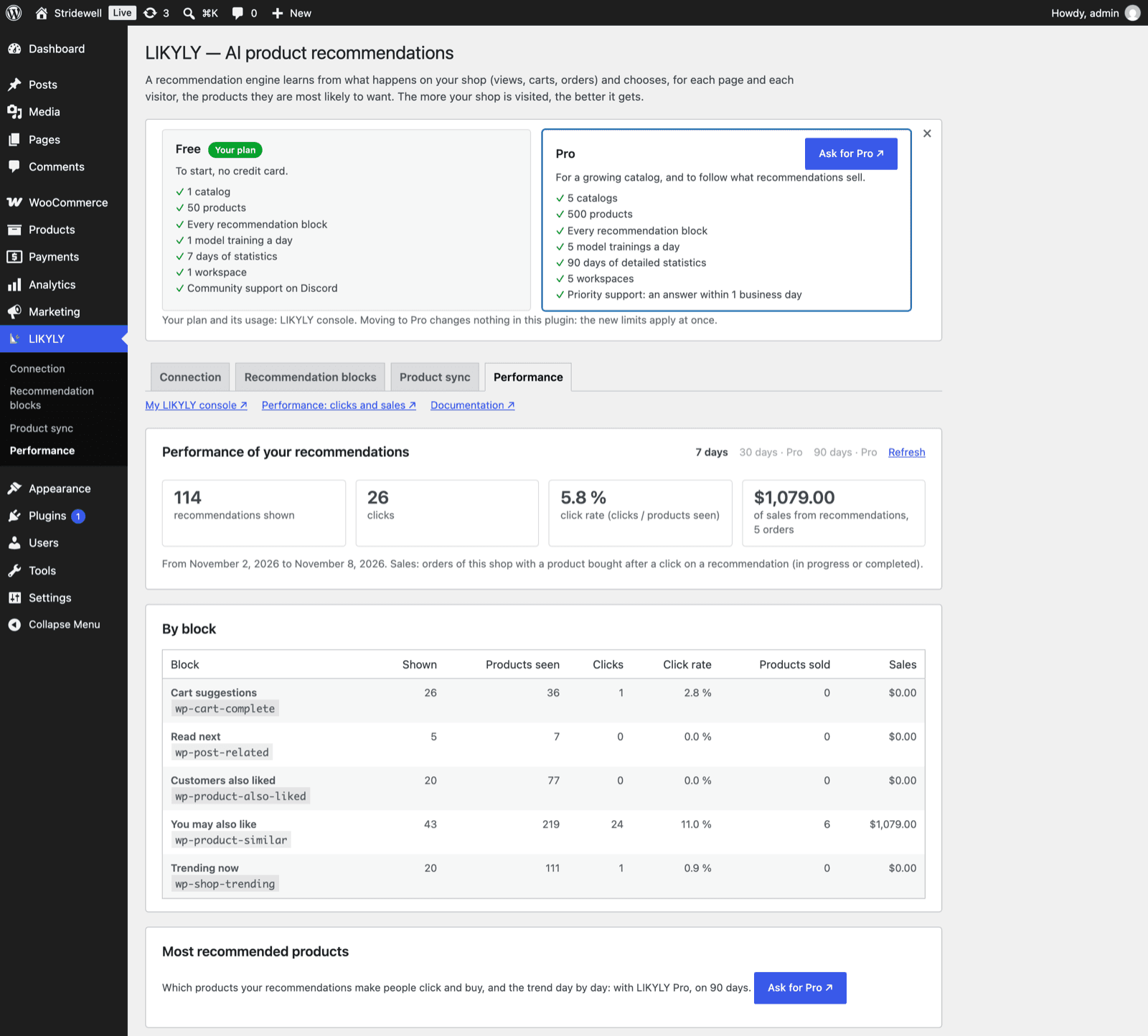
What each block brings in
Recommendations shown, clicks, click-through rate and sales from recommendations, block by block, in your store’s currency, without leaving WordPress. A sale counts when the customer clicked a recommended product, then bought it.
Compatibility
Tested end to end on each version below: connection, catalog sync, blocks, cart, admin, without a single PHP warning.
| Compatible | Versions tested | |
|---|---|---|
| WordPress | 6.5 to 7.1 | 6.5.0, 6.8.3 and 7.1.4 |
| WooCommerce | 8.0 to 11.2 | 8.0.0, 9.9.7 and 11.2.2 |
| PHP | 7.4 to 8.5 | 7.4, 8.2, 8.3, 8.4 and 8.5 |
| Themes | block and classic | Twenty Twenty-Five, Storefront |
| Without WooCommerce | blog only | “Read next” on posts |
- ✓WooCommerce block cart and checkout
- ✓HPOS order tables
- ✓Page caches: WP Rocket, LiteSpeed Cache, Varnish…
- ✓Block editor and site editor
- ✓Shortcodes (classic editor, page builders)
- ✓WP-CLI
Try it on your store
Free up to 50 products, with every block. Your best sellers are sent first. Questions? Support is on Discord.